Finding the signal in a tool that was all noise.
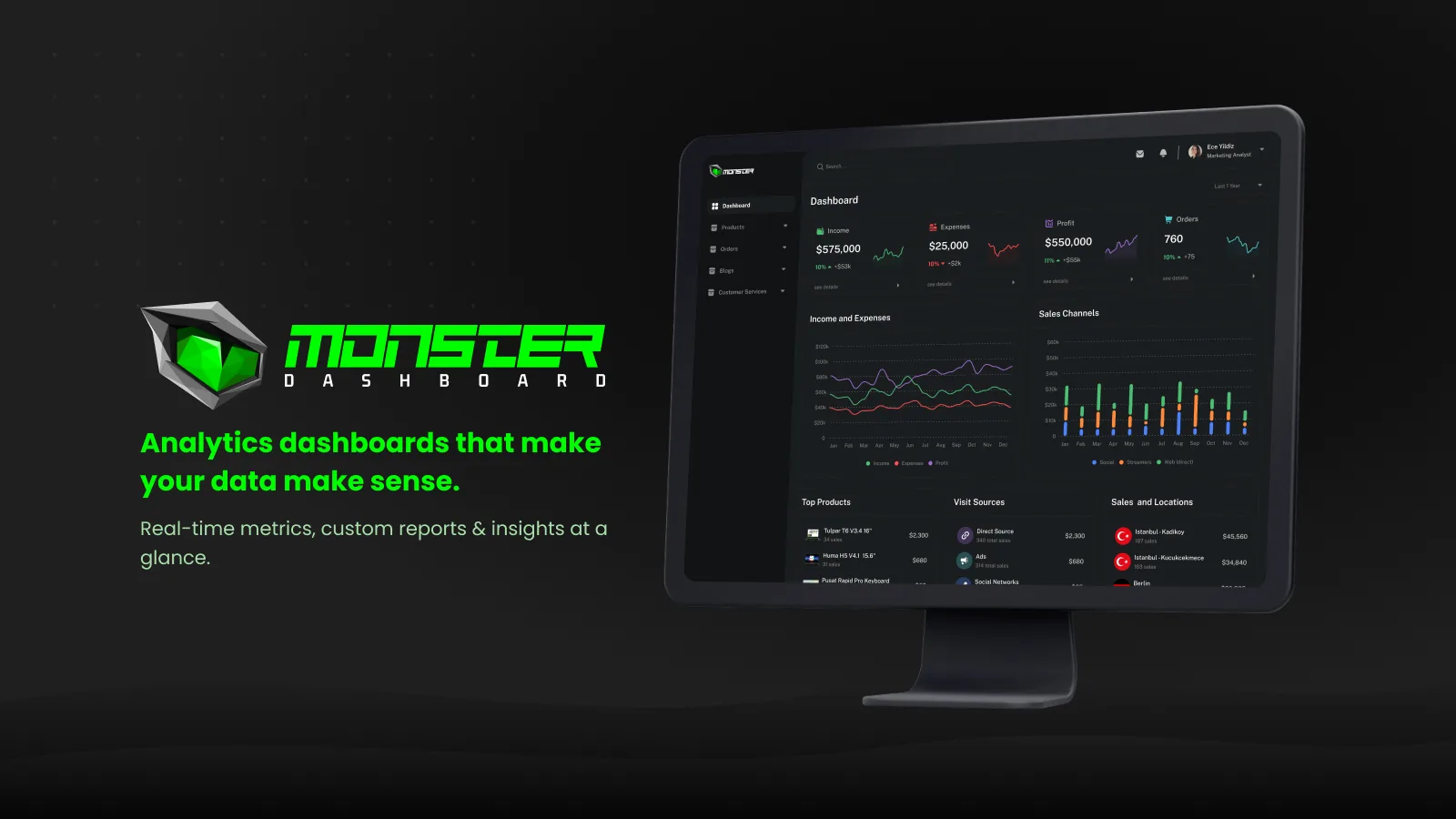
Monster Dashboard is a comprehensive operations panel for a gaming-hardware brand. It centralizes financial metrics, product and inventory management, blog content, campaigns and customer support into one streamlined interface — so marketing analysts and managers can make data-driven decisions without switching tools.
Analysts and managers juggle fragmented reporting systems and switch between tools, which slows decisions and blocks a holistic view of business performance.
A dashboard's job is to answer questions — not to display everything it knows.
Centralize all financial and marketing data in one dashboard
Provide real-time insights with intuitive visualizations
Reduce reporting time and improve decision-making
Give analysts drill-down access to detailed data
Stakeholder interviews, analyst shadowing and an audit of existing tools.
Synthesizing findings into clear problems, user goals, flows, and the information architecture.
Wireframes to high-fidelity UI, built on a component system and refined through iteration.
Prototype flows and interface specifications, with validation priorities identified for the next stage.
Marketing analysts and business managers monitoring KPIs daily and optimizing campaigns.
Senior executives who want a high-level overview of company performance.
Method 6 stakeholder interviews, 2 weeks of shadowing analysts, audit of 4 existing tools
| Task / dimension | Shopify Admin | Google Analytics | Monster Dashboard |
|---|---|---|---|
| Sales overview | Commerce reporting and analytics | Event and ecommerce analytics when configured | Revenue, profit and order overview |
| Inventory operations | Product and inventory management | Measurement rather than inventory operations | Inventory health and attention states |
| Content and campaigns | Built-in content tools and marketing integrations | Campaign measurement when configured | Blog and campaign editors |
| Customer support | Shopify Inbox and support integrations | Measurement rather than support operations | Order-linked tickets and chat |
| Interface focus | Store operations | Analysis and reporting | Shared commerce, content and support workspace |
Reference comparison updated September 2026. Rows describe task coverage and design focus, not a usability ranking. Availability may vary by plan, region and product version; the final column describes this case study’s design. Google Analytics is an adjacent analytics reference, not a like-for-like commerce admin product.
Four KPIs with sparklines and deltas open every session; charts and lists below explain them rather than compete with them.
The products view carries stock status and a 'needs attention' panel, so low stock is discovered, not searched for.
Blog posts and campaigns are created, previewed and measured in the same panel that shows their results.
Tickets and live chat show the customer's order and product beside the conversation.
stakeholders interviewed · analysts, managers, support
The six interviews informed the Overview hierarchy, particularly revenue and profit. Counts describe this small sample and should not be generalized to all analysts.
Fragmented data across reporting tools
Reports take hours to assemble manually
No single view of products, campaigns and content
Support has no context on orders or products

Ece owns the weekly performance report for a gaming-hardware brand. She spends her mornings pulling numbers from different systems and her afternoons answering questions those numbers raise. She wants one screen she can trust and drill into.
| Stage 01Check Overview | Stage 02Investigate Products & inventory | Stage 03Act Campaigns | Stage 04Publish Blog | Stage 05Resolve Support | |
|---|---|---|---|---|---|
| Actions | Scans KPIs, revenue & profit chart, best sellers | Opens Products, finds low-stock items in 'needs attention' | Creates a campaign, sets discount rules and eligible products | Edits a blog post and previews it | Reviews open tickets, replies in live chat with the order in view |
| Thoughts | "Revenue up, profit flat — why?" | "Tulpar T7 is almost out." | "Let's push the laptops this weekend." | "The post can go live with the campaign." | "I can see her order without asking." |
| Emotion | Oriented | Alert | Decisive | Efficient | In control |
| Opportunity | Four KPIs with deltas first | Inventory health surfaced automatically | Campaign settings beside results | Preview inside the editor | Order & customer context in the chat |
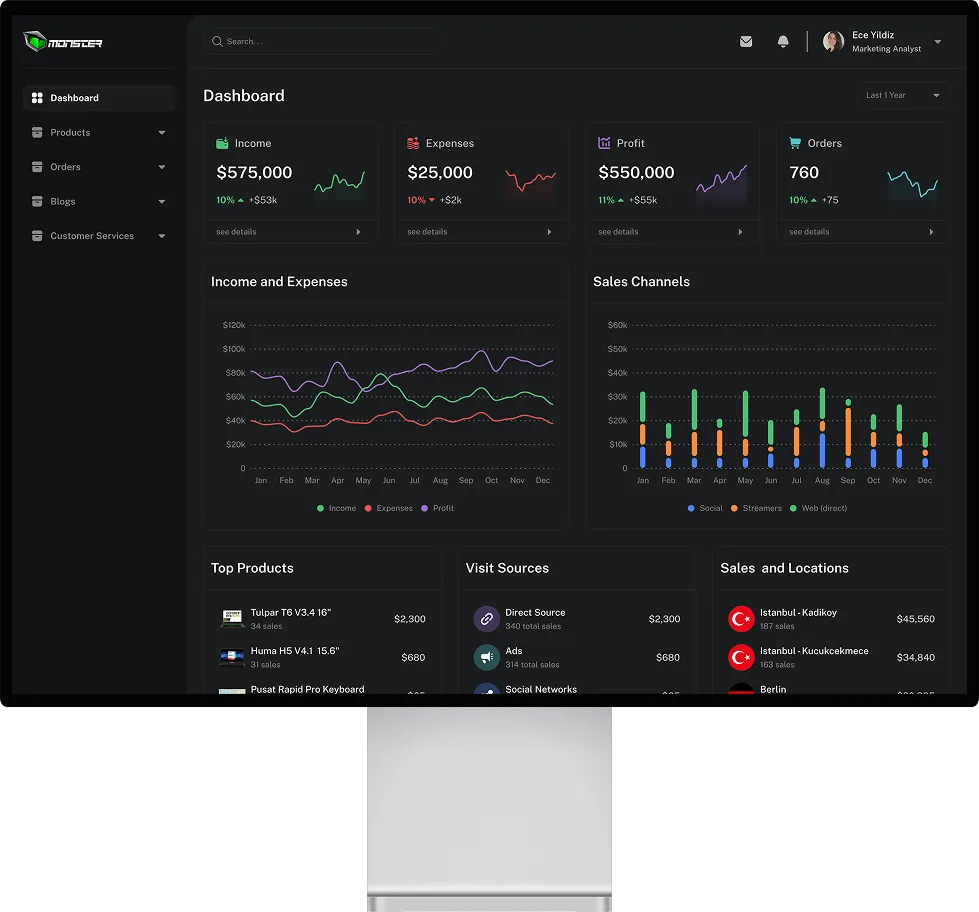
Four KPIs (revenue, net profit, orders, avg. order) with deltas on top; revenue vs. net profit and sales channels below for pattern recognition.
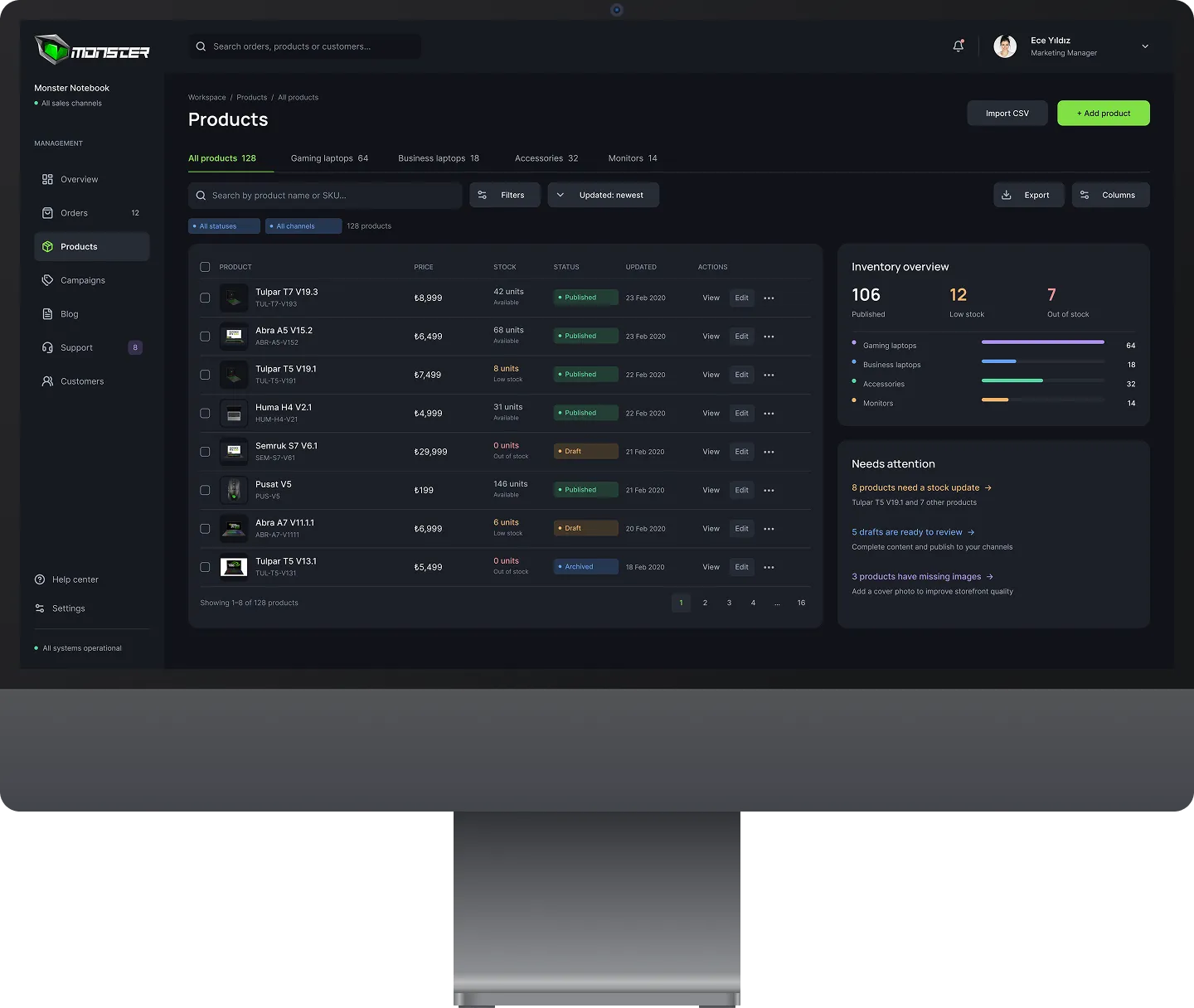
Inventory table with status, an inventory overview and a 'needs attention' panel — problems come to the analyst, not the other way round.
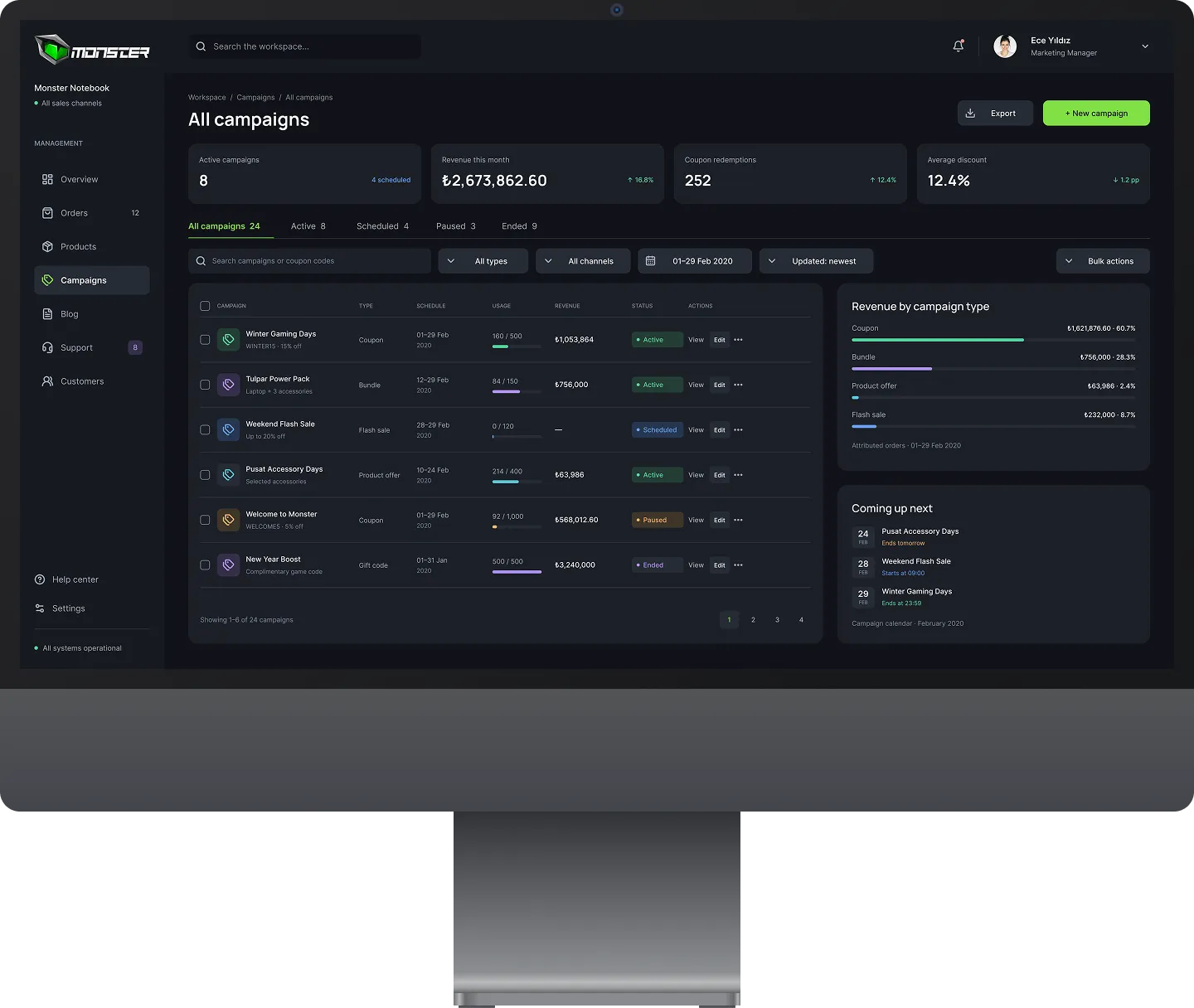
All campaigns with spend, conversions and status, plus revenue by campaign type and what's coming next.
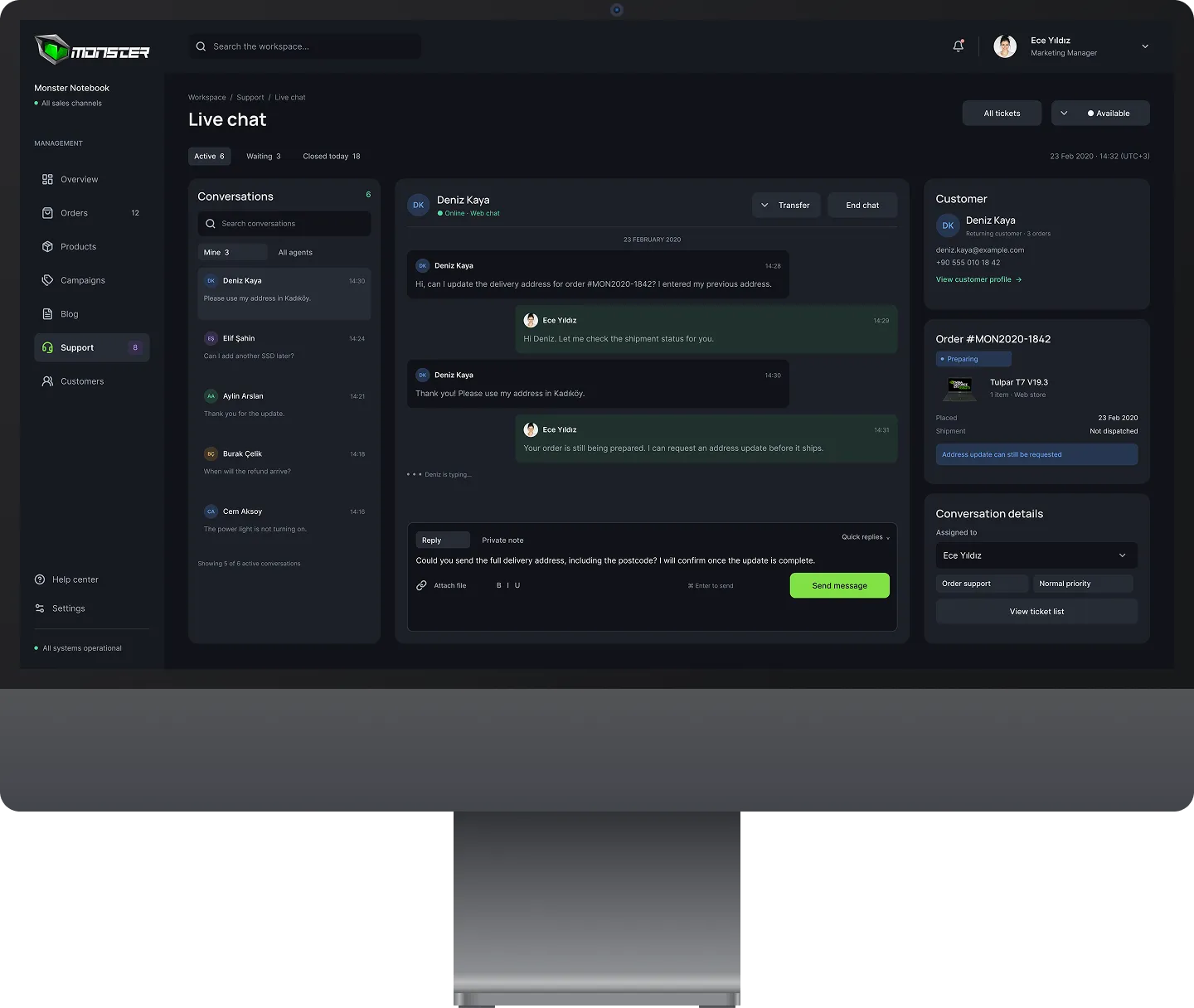
Conversation, customer and order details side by side so support answers with context instead of asking for it.
11 more screens from the final design — tap any to enlarge.
Designing strong defaults beat designing for endless customization — most people just want the right view to already be there.
The Overview prioritizes the recurring reporting questions in the stakeholder interviews.
Linking support, products and campaigns to shared records was designed to reduce context switching; time savings require measurement.
