Selected Works Vita  ·  Case study
AI Wellness App · Case study

Vita

Feel better. Live a little fuller.

Product StrategyUX DesignUI DesignPrototypingMobile
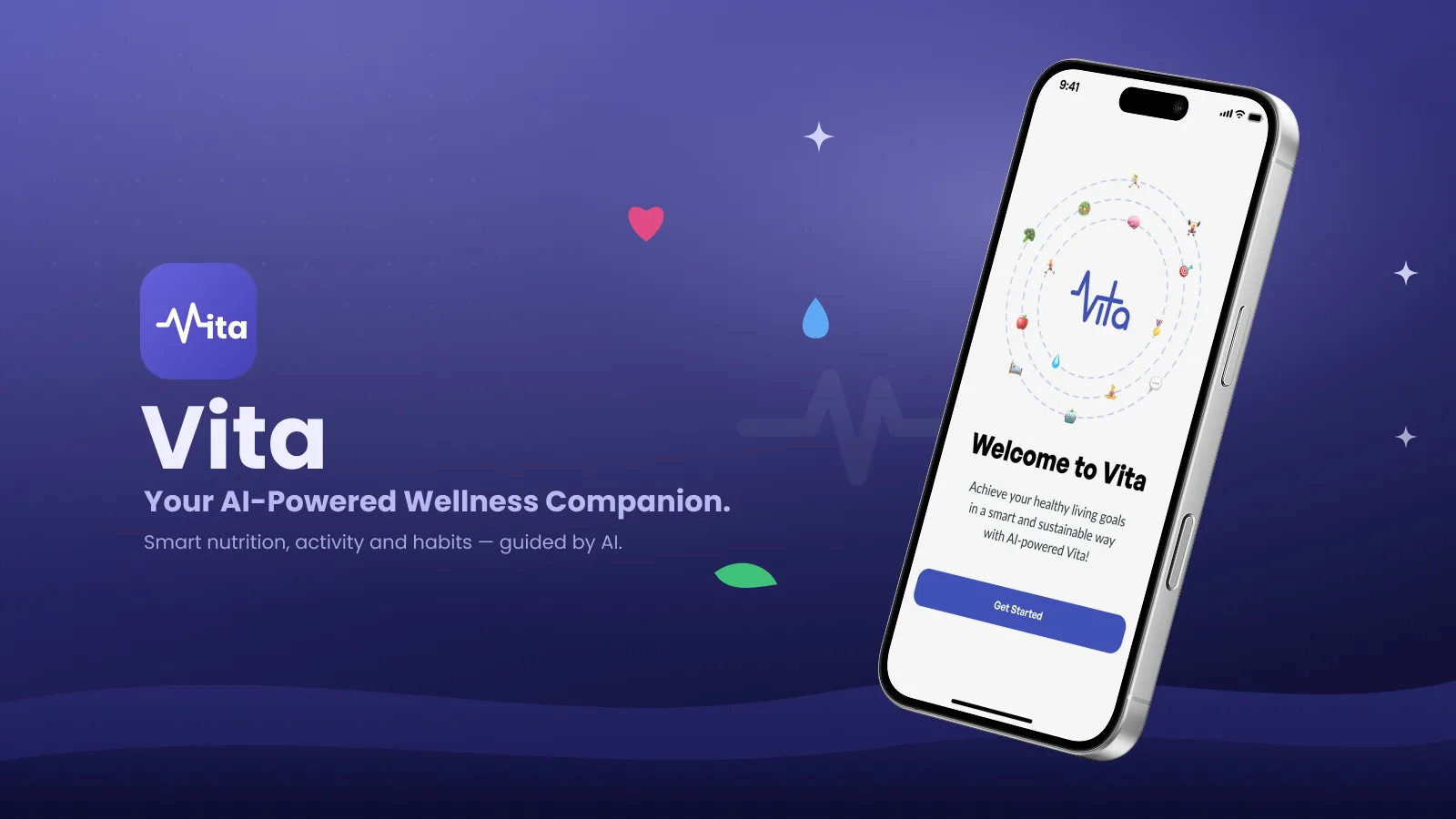
Vita — Feel better. Live a little fuller. Today dashboard on a smartphone.

Product overview

Vita is an AI-supported health and fitness assistant built around four parts of everyday wellbeing: movement, nutrition, sleep and mindfulness. The experience connects a clear daily overview with practical actions, from a short mobility session to a meal log or an evening routine.

The design explores how guidance can adapt to someone’s day while leaving every change in their hands. This case study presents 21 mobile screens, connected flows and illustrative data dated November 2025.

Tools

Interface designFigmaLayouts, typography and reusable components
Interaction designFigma PrototypeNavigation, task flows and confirmation states
Visual assetsImage generationWellness photography and cover composition
DeliveryWebPLossless screen exports for the case study

Problem statement

A wellness dashboard can show plenty of numbers without making the next step clear. Vita’s design challenge is to connect those signals to manageable actions, especially when a busy day or a poor night’s sleep makes the original plan feel out of reach.

How might we make a healthy routine easier to adjust, instead of easier to abandon?

Goals

1

Bring movement, food, sleep and mindfulness into one understandable daily view.

2

Turn an AI conversation into a plan the user can review, adjust or skip.

3

Make small actions easy to start, finish and record.

4

Show progress without pressure, using calm language and flexible goals.

Design process

01

Frame

Define the four wellbeing areas and the scenario of adapting a plan after a tiring morning.

02

Structure

Organize Today, Activity, Vita AI, Goals and Progress, with focused flows for meals, sleep and mindfulness.

03

Design

Create a sage-and-cream interface with clear hierarchy, reassuring copy and distinct activity imagery.

04

Connect & refine

Link the key tasks, add chat history and confirmation states, then align spacing, controls and screen order.

Target audience

Primary design audience

Adults balancing work and everyday commitments who want a realistic wellness routine, with short actions that fit around their day.

Secondary design audience

People returning to exercise or trying to connect food, rest and emotional wellbeing without an intense performance-focused experience.

Competitive analysis

DimensionMyFitnessPalGoogle Health / FitbitVita concept
Daily trackingFood and exercise diaryActivity and sleep tracking, including wearable dataToday brings movement, nutrition, sleep and mindful minutes together
Going deeperMeal history, nutrition totals and goalsActivity records, sleep patterns and stages on supported devicesFocused flows for workouts, meal review, sleep check-ins and breathing
Design opportunityReference for repeat food loggingReference for summaries and trend detailConnect daily context to a suggested change, with review before applying

A focused comparison of documented product features and design opportunities, not a usability ranking. Product references: MyFitnessPal diary and goals, Google Health activity tracking and sleep tracking. Vita’s column describes the screens shown here; feature availability in other products varies.

Design features

01

Four signals, one next step

Today shows steps, food energy, sleep and mindful minutes separately. A contextual card suggests a manageable next action without reducing wellbeing to one score.

02

AI guidance with a review step

A tired-morning conversation proposes lighter movement and a quieter evening. The user reviews duration and routine changes before choosing Apply changes to today.

03

Complete everyday flows

A workout has a preview, active session and finish state. A meal has search, portion review and logging. Rest and mindfulness include routines and reflection.

04

Progress at your own pace

Editable goals and a weekly summary celebrate showing up. Chat history keeps earlier conversations within reach, and reflections offer a choice about use in future suggestions.

Pain points

Design challenges addressed by the concept

A collection of metrics can leave the next useful action unclear.

A fixed plan may feel too demanding when energy or sleep changes.

Meal logging can create friction without saved choices and a clear review step.

A progress view focused only on perfect days can make a small effort feel invisible.

User persona

Illustrative design persona used to connect the screens into an everyday scenario.

Illustrative portrait of Emma Parker
Emma Parker
Age29JobProject CoordinatorLocationAmsterdam, Netherlands

Emma wants to stay active while managing a busy work week. After a short night’s sleep, she wants to adapt her routine without losing momentum: a gentler workout, a familiar lunch and a little more time to wind down.

Routine

  • Meetings and a changing schedule
  • Short movement breaks
  • Simple, repeatable meals

Goals

  • Feel more energized
  • Make room for rest
  • Build a routine she can sustain

Frustrations

  • Plans that do not fit her energy
  • Too much logging effort
  • Unclear or judgmental feedback

Needs

  • One clear next step
  • Control over suggestions
  • Small wins made visible

User journey

An illustrative path through the November 2025 screens.

ScenarioStartChoose goalsMorningAdapt the planDaytimeMove & nourishEveningRest & reflectWeeklyReview & adjust
ActionSelect more energy and restful nights.Open Today, talk to Vita and review a lighter routine.Complete a mobility session and review a saved meal.Set a wind-down routine and take a breathing pause.Check weekly progress and edit the next daily goal.
Design responseA short starting point with room to adjust later.AI suggestions explain the context and wait for confirmation.Focused steps make it clear what happens next.Optional reflection adds personal context without pressure.A balanced view makes consistency visible across four areas.

High fidelity screens

Six key screens introduce the experience. Select any image to view it at full size.

Screen 1

Today — a calmer daily overview

A single home brings together 6,240 steps, food energy, last night’s sleep and mindful minutes. A concise AI card connects the shorter night to a gentler movement suggestion, with a direct path to review the plan.

Screen 2

Vita AI — guidance you can shape

The conversation responds to Emma feeling tired with a lighter workout and a quieter evening. Review & adjust plan leads to editable choices; the history icon opens earlier chats. The user stays in control of what changes.

Screen 3

Activity — from progress to a session

A step ring and weekly bars show movement in context, while a recommended mobility session offers a clear next action. The connected flow includes workout details, timed movement and a completion check-in.

Screen 4

Nutrition — quick choices, clear review

Energy, macros, hydration and logged meals share a calm overview. Saved foods lead into a meal-review screen where ingredients, portion size and time can be checked before logging.

Screen 5

Sleep — numbers with personal context

Sleep duration and rhythm sit beside an evening-routine prompt. A separate check-in captures how the night felt, while the routine screen makes bedtime, wind-down choices and reminders editable.

Screen 6

Weekly progress — small wins made visible

The week of November 8–14 brings movement, balanced meals, sleep routine and mindful minutes into one reflection. The focus is on showing up, with a route back to Vita to shape the next step.

Other screens

15 more screens from the final design — tap any to enlarge.

Key takeaways

01

Context makes guidance useful

A suggestion is easier to understand when its reason is visible. Vita connects sleep and the morning check-in to a practical adjustment, then asks the user to review it.

02

A complete flow builds clarity

The design goes beyond overview cards. Preview, action, review and completion states show what happens before and after a workout, meal log or reflection.

03

Tone and control work together

Gentle language is supported by editable goals, optional reflections and explicit confirmation. The case study demonstrates the proposed experience without claiming measured behavior or health outcomes.